1.) When finished with your 18x24 design, upload as a .pdf to your folder and complete this reflection in a separate Google Doc.
2.) Let's talk about Logos & Branding.
3.) Make a pinterest board for Logos & Branding. Search and pin at least 10 different logos/brands/ideas that you like! Check out mine for a starting point...

Monday, October 21, 2019

Wednesday, October 2, 2019
Element & Principle Research
1.) Make sure all Skate Decks are turned in on Google Drive
2.) Photograph your shoe...
3.) Pick an Element and a Principle out from the bins.
4.) Research your Element and Principle and compile inspirational images/posters/ideas in the presentation on Google Drive.

2.) Photograph your shoe...
3.) Pick an Element and a Principle out from the bins.
4.) Research your Element and Principle and compile inspirational images/posters/ideas in the presentation on Google Drive.
- How is it used in a poster?
- What makes it effective as part of a composition?
- Posters based on Principles...

Tuesday, October 1, 2019
Clipping Mask Silhouette
To make a Clipping Mask Silhouette:
1. Make a 10x10 inch document in Illustrator.
2. File>Place a side-profile photo of yourself... Scale it to fit.
3. Use the pen tool to trace out your silhouette
-Include neck and shoulders all the way to the bottom
-Stive for detail
4. Hide your photo
5. Search for two new, large resolution photos of scenery or texture
6. File place one in, arrange it behind your silhouette.
7. With both silhouette and photo selected, Object > Clipping Mask > Make (Cmd+7)
8. Insert your background, scale to fit.
9. Save as "lastname_clippingmask.jpeg"
10. Upload to Google Drive. (Clipping Mask folder inside the Pen Tool folder)

1. Make a 10x10 inch document in Illustrator.
2. File>Place a side-profile photo of yourself... Scale it to fit.
3. Use the pen tool to trace out your silhouette
-Include neck and shoulders all the way to the bottom
-Stive for detail
4. Hide your photo
5. Search for two new, large resolution photos of scenery or texture
6. File place one in, arrange it behind your silhouette.
7. With both silhouette and photo selected, Object > Clipping Mask > Make (Cmd+7)
8. Insert your background, scale to fit.
9. Save as "lastname_clippingmask.jpeg"
10. Upload to Google Drive. (Clipping Mask folder inside the Pen Tool folder)

Tuesday, September 17, 2019
Urban Design: Skate Decks
Skate Deck Requirements
- 2 Designs: One 'simple' & one 'complicated'
- 7.5" wide, 31.75" tall
- 300 PPI (pixels per inch)
- Combination of Imagery & Typography
- Well-Coordinated Color Scheme
- Specific Theme in Imagery & Text
Consider theme: Music? An artist/song? A place - city or destination? Can the theme be a quote or a lifestyle?
At the end of the project, there will be a voting poll to vote on the Top 5 designs in each class. Winning designs will be printed!
Jenner's Inspiration Board:
Friday, September 6, 2019
Fri 9/6 - Inspirational Quotes
For your own layout, use your skills of typography to create a poster illustrating a quote.
Pick any inspirational or philosophy quote you like, or lyrics you resonate with.

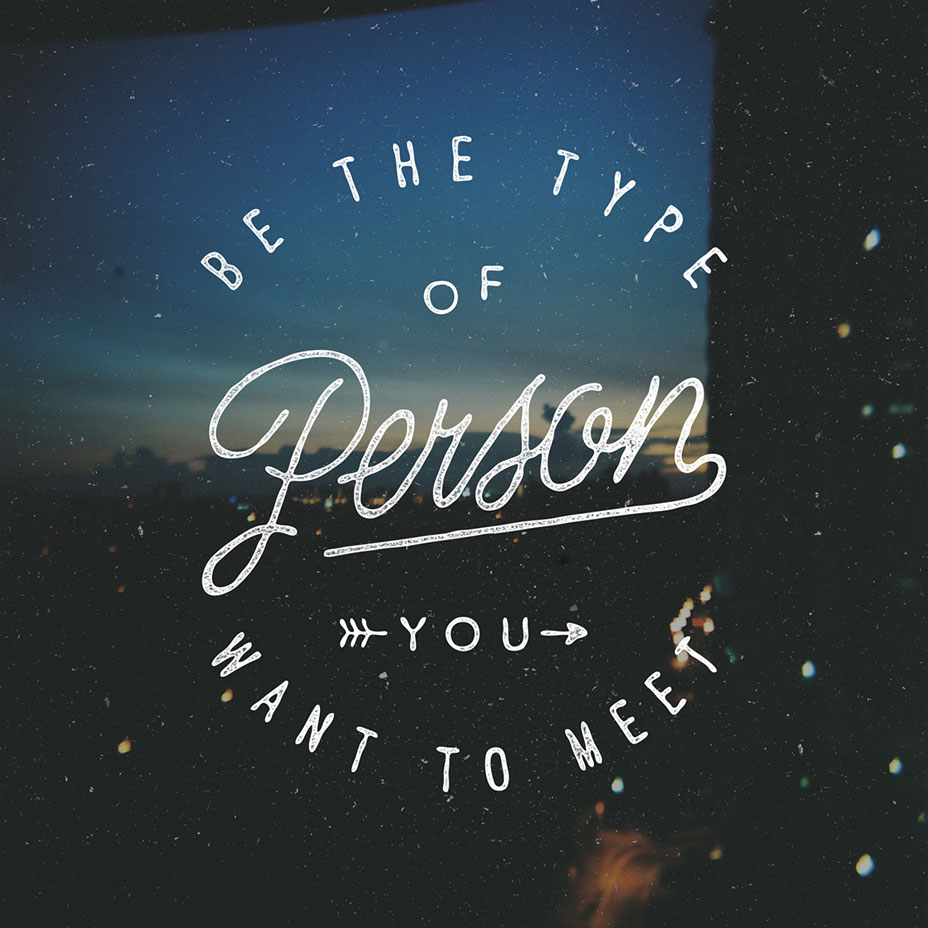
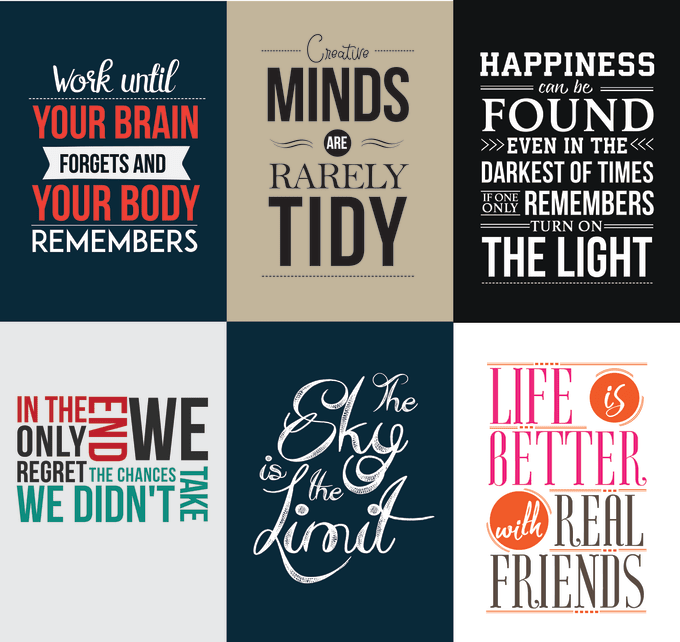
Pick any inspirational or philosophy quote you like, or lyrics you resonate with.
- 6"x6"
- Well-coordinated color scheme
- Two, well-paired fonts
- Use of alignment and centering
Check out this video and my pinterest board for ideas:
Thursday, September 5, 2019



Wednesday, September 4, 2019
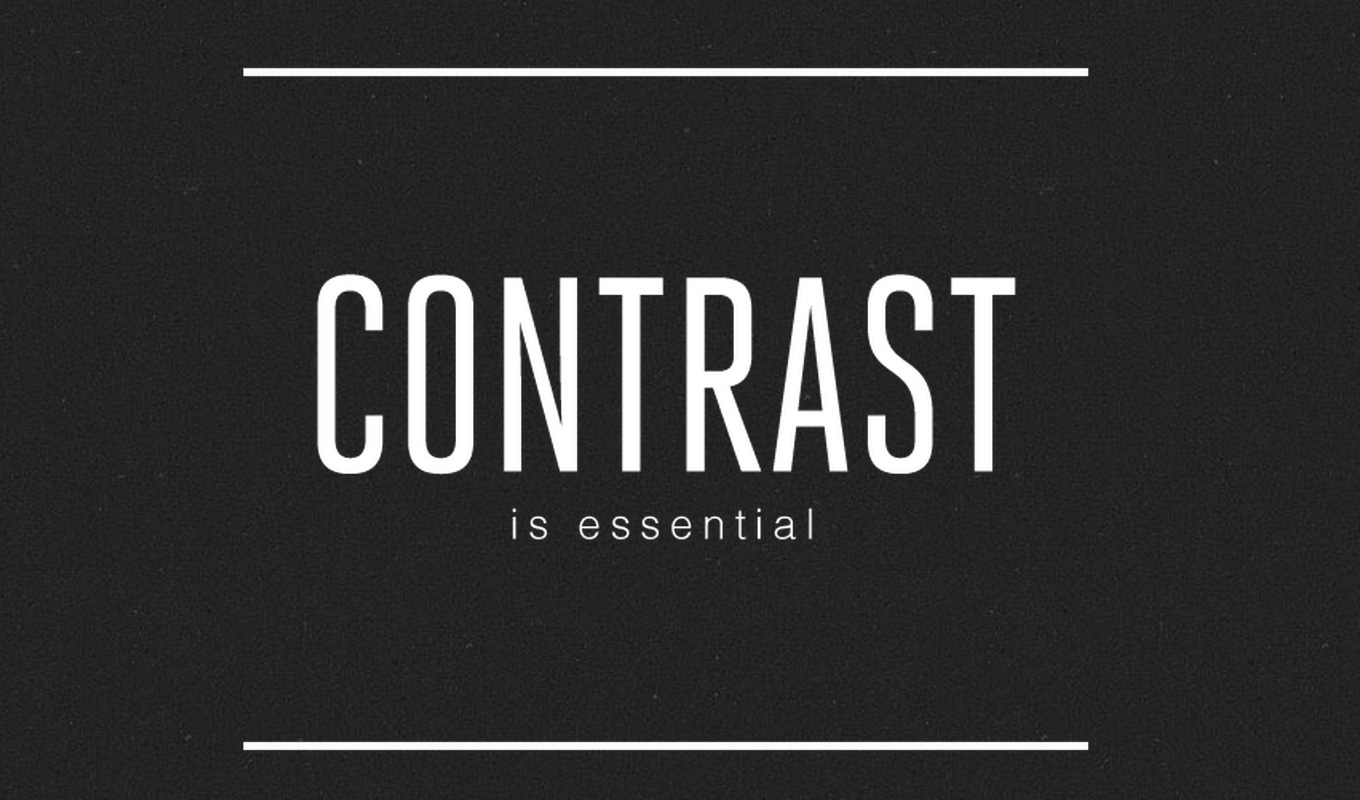
Wed 9/4 - Type Basics Day 1: Kerning
Let's talk Typography. For starters, Kerning and Tracking.
Kerning is space between individual letters in a line of type.
Tracking is space between all of the letters in a line of type.
After you learn to track and kern in Illustrator, try out the Kerning Game. Shoot to score over 70 on each word.


Kerning is space between individual letters in a line of type.
Tracking is space between all of the letters in a line of type.
After you learn to track and kern in Illustrator, try out the Kerning Game. Shoot to score over 70 on each word.
Subscribe to:
Posts (Atom)