Tuesday, September 17, 2019

Urban Design: Skate Decks

Skate Deck Requirements

  • 2 Designs: One 'simple' & one 'complicated'
  • 7.5" wide, 31.75" tall
  • 300 PPI (pixels per inch)
  • Combination of Imagery & Typography
  • Well-Coordinated Color Scheme
  • Specific Theme in Imagery & Text
Consider theme: Music? An artist/song? A place - city or destination? Can the theme be a quote or a lifestyle?

At the end of the project, there will be a voting poll to vote on the Top 5 designs in each class. Winning designs will be printed! 

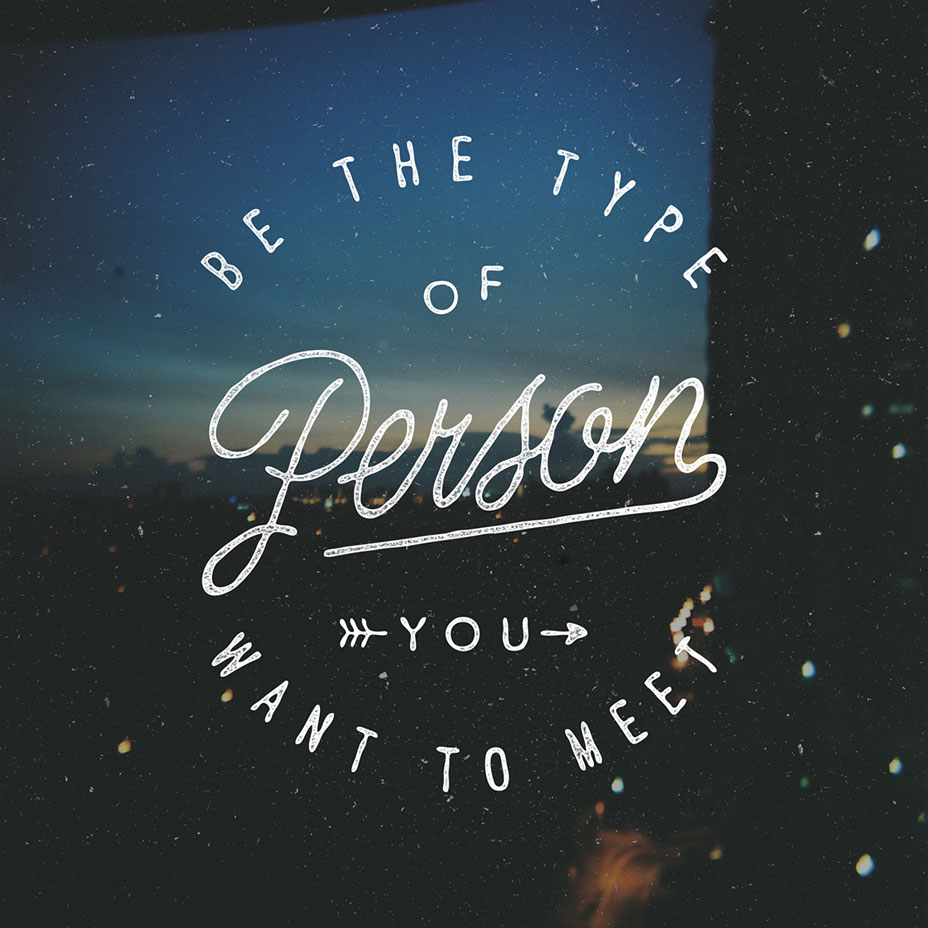
Jenner's Inspiration Board:

Friday, September 6, 2019

Fri 9/6 - Inspirational Quotes

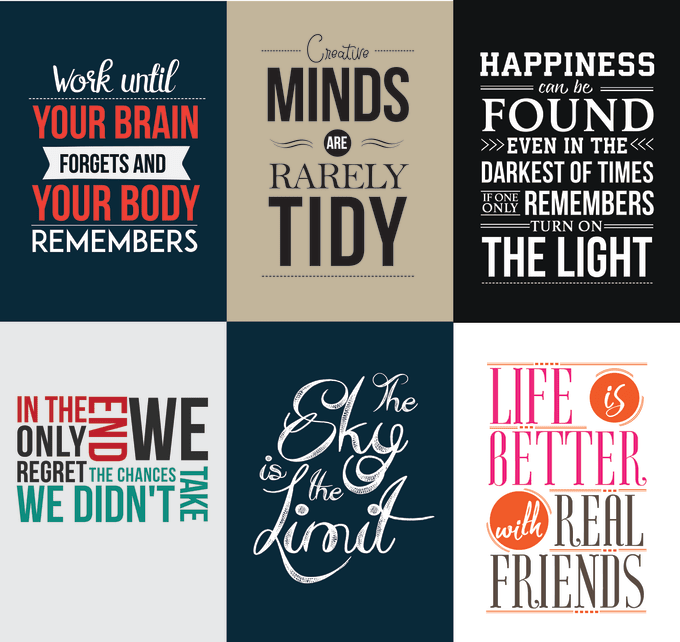
For your own layout, use your skills of typography to create a poster illustrating a quote.

Pick any inspirational or philosophy quote you like, or lyrics you resonate with.
  • 6"x6"
  • Well-coordinated color scheme
  • Two, well-paired fonts
  • Use of alignment and centering
Check out this video and my pinterest board for ideas:


Wednesday, September 4, 2019

Wed 9/4 - Type Basics Day 1: Kerning

Let's talk Typography. For starters, Kerning and Tracking.

Kerning is space between individual letters in a line of type.
Tracking is space between all of the letters in a line of type.

After you learn to track and kern in Illustrator, try out the Kerning Game. Shoot to score over 70 on each word.


Thursday, August 29, 2019

Fri 8/30 - 1L1#1F Finishing

1.) Make sure you have at least 3 grayscale and 3 color .PDFs uploaded to Google Drive.

2.) Upload your favorite version to the presentation to share for critique.

3.) Create a new document in your 1L1#1F folder and respond to these reflection questions:

  1. Does your poster have a focal point? What makes it that way?
  2. What principles of design did you emphasize - how are they seen in you poster?
  3. From the feedback and seeing other designs, what could you change about your design to improve its reception?
  4. Rate yourself 1-5 on your proficiency with Adobe Illustrator thus far. What tools make the most sense now? What tools are you still confused on?

Thu 8/29 - Colorrrrrr

In lieu of today's Rainbow Out...

Goal for Monday: Turn in 3+ different colored versions of your poster. 
1.) Contrasting colors. 
2.) Monochromatic or Analagous. 
3.) Your own scheme.

Let's start talking color! What makes a good color scheme?

Adobe Color Wheel
Design Seeds
Paletton

...and more!

In Illustrator, we can add color through many ways:

  • Grabbing a color scheme and using the eye dropper


  • Using the Recolor Artwork wheel
    • 'Edit' Colors
    • Drop Down Color Schemes


Monday, August 19, 2019

Mon 8/19 - Shape & Balance

1.) Let's finish Ebb & Flow and create some proof pages!


 2.) And for our next small project... Shape & Balance.

BOLD - PLAYFUL - TENSION - ORDER

New Tools
  • Show Grid/Snap to Grid
Requirements:
  • FOUR separate illustrator files (6x6")
  • Must be perfect squares (hold shift)
  • Just black or white!
  • Can "break" the border of your document.
  • Can be abstract or representational.